
How I Built a Free File to Markdown Converter: PDF, DOCX, Images to Markdown
See how markdown.new converts PDFs, DOCX files, spreadsheets, images, and other formats into clean Markdown for LLM and RAG workflows without signup.
Published Updated 6 min read

Founder, GrowthMarketing.ai
15+ years of experience
Emre Elbeyoglu is a B2B SaaS growth expert and Founder of GrowthMarketing.ai. With 15+ years of SEO and GEO experience, he studies search and AI ranking systems to support growth work for brands including Rakuten and Investing.com. He has also bootstrapped SaaS products including Popupsmart and LiveChatAI.
- Computer Technology & Information Systems, Bilkent University
- Co-founder & Growth Lead, Popupsmart (since 2019)
- Co-founder, LiveChatAI (since 2023)
Share article
Explore with AI
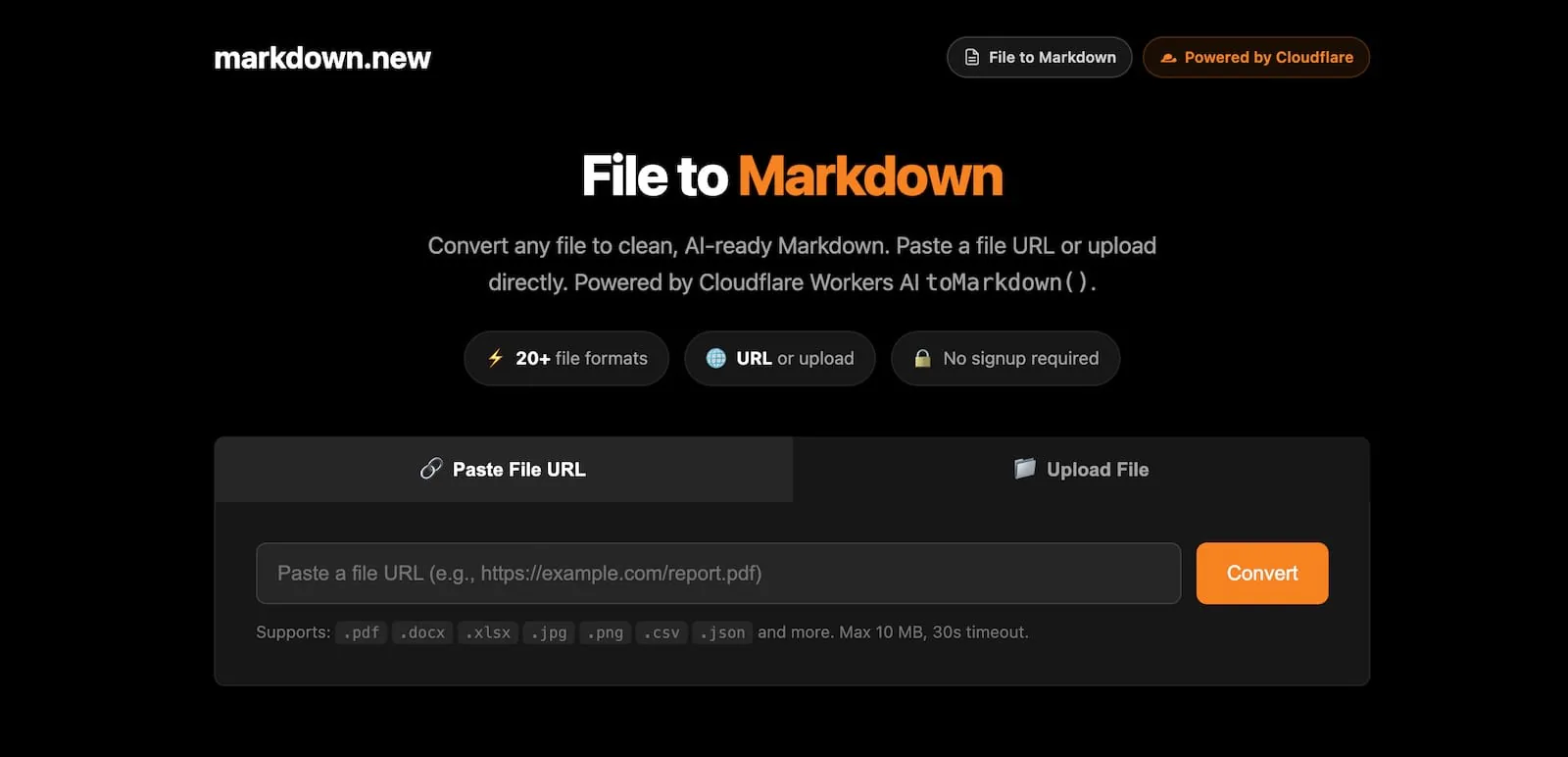
If you've ever tried to feed a PDF into an LLM or build a RAG pipeline, you know the pain. Raw file formats are noisy, token-heavy, and inconsistent. That's exactly why I built the File to Markdown feature on markdown.new — a free, no-signup tool that converts any file into clean, AI-ready Markdown in seconds.
🔥 New on https://t.co/TegRO9wVZF: File to Markdown ⚡
— Emre Elbeyoglu (@elbeyoglu) February 23, 2026
Drop any file → get clean, AI-ready Markdown back.
📄 PDFs, DOCX, ODT
📊 Excel, Numbers, CSV
🖼 Images (AI-powered OCR + summarization)
Upload or paste a URL. API included, no key needed.
Free. No signup.
Details:… https://t.co/mZFeG5H1W8 pic.twitter.com/Icy25cFRCk
Why I Added File to Markdown
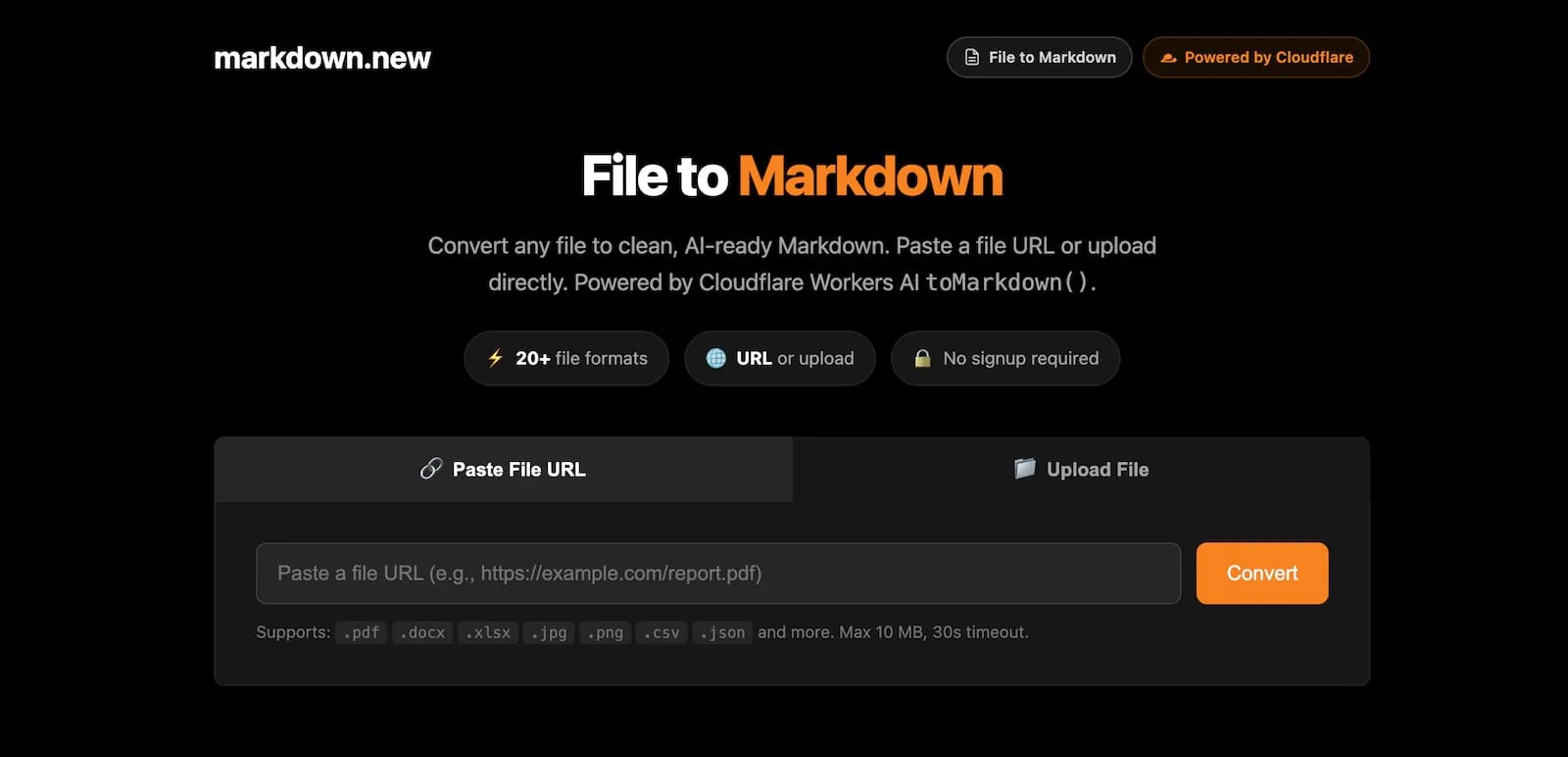
When I first launched markdown.new to convert any URL to Markdown, the feedback was clear: people needed the same thing for files, not just web pages. Developers were uploading PDFs to LLMs and drowning in tokens. Researchers had DOCX reports they needed to parse. Data teams had spreadsheets they wanted to feed into agents.
I built https://t.co/TegRO9wVZF
— Emre Elbeyoglu (@elbeyoglu) February 14, 2026
Put https://t.co/aJjJVn3uHO before any URL → get clean Markdown back.
Cloudflare's Markdown for Agents is great, but only works for enabled sites. https://t.co/TegRO9wVZF works for ANY website on the internet.
80% fewer tokens. Also converts… https://t.co/ZfWGOLRUyN
I built the file converter on top of Cloudflare Workers AI's toMarkdown() — the same infrastructure powering the URL converter — because it handles over 20 file formats natively and processes everything at the edge, in memory, with nothing stored after conversion.
PDF to Markdown
Converting a PDF to Markdown is probably the most common use case I see. Whether it's a research paper, a financial report, or a product manual, PDFs come with a ton of formatting noise that destroys your context window.
With markdown.new, I can convert a PDF to Markdown in three ways:
Via URL — if your PDF is publicly accessible, just paste the URL:
curl -s 'https://markdown.new/https://example.com/report.pdf'
Via file upload — for local files, use the /convert endpoint:
curl -s 'https://markdown.new/convert' -F 'file=@report.pdf'
Via the web interface — drag, drop, and get clean Markdown back instantly.
The converter preserves heading hierarchy, lists, tables, and code blocks wherever possible. You also get a tokens field in the response so you can budget your LLM context window before you even send the content.
DOCX to Markdown
Word documents are everywhere in enterprise workflows. When I'm building agents that ingest internal documents — SOPs, contracts, policy docs — DOCX files are the norm. But feeding a .docx directly into an LLM is wasteful and unreliable.
The DOCX to Markdown conversion on markdown.new preserves the document's structural hierarchy: headings become #, ##, ###; lists stay lists; tables come through as proper Markdown tables. You get the semantic structure without the XML noise.
curl -s 'https://markdown.new/https://example.com/document.docx'
The JSON response includes the extracted title, content in Markdown, and tokens count — everything you need to pipe it straight into your pipeline.
Excel and Spreadsheet to Markdown
Spreadsheets are structured data, and Markdown tables are structured output — this one is a natural fit. I support .xlsx, .xls, .xlsm, .xlsb, .et, .ods, and .numbers files.
When I convert a spreadsheet to Markdown, each sheet comes through as a formatted Markdown table. This is particularly useful when I'm building agents that need to reason over tabular data — a clean Markdown table is far easier for an LLM to parse than raw cell references.
curl -s 'https://markdown.new/https://example.com/data.xlsx?format=json'
Image to Markdown (with AI Object Detection)
This one surprised a lot of people when I launched it. Image to Markdown isn't just OCR — the conversion uses Workers AI models for object detection and visual summarization. When you upload a .jpg, .png, .webp, or .svg, the model analyzes the visual content and returns a Markdown description of what's in the image.
This is genuinely useful in agent workflows where you're processing mixed-content documents — think product catalogs with images, slide decks with diagrams, or support tickets with screenshots.
curl -s 'https://markdown.new/convert' -F 'file=@screenshot.png'
The response comes back as Markdown text describing the image content — ready to be embedded in a vector store or passed to an LLM.
HTML to Markdown
When I'm building content ingestion pipelines, HTML is the format I deal with most. But raw HTML is terrible for LLMs — it's full of <div> soup, class names, and script tags that burn tokens without adding meaning.
For URL-based HTML pages, markdown.new uses a three-tier pipeline (content negotiation → Workers AI → headless browser rendering). For .html file uploads, the file goes directly through Workers AI's toMarkdown(). Either way, you get clean semantic Markdown.
CSV and JSON to Markdown
I added CSV and JSON support because these formats appear constantly in data pipelines. A CSV becomes a Markdown table. JSON becomes structured Markdown text. Both are immediately usable in LLM contexts without any additional preprocessing.
This means I can pass a data file URL directly into a pipeline call and get back Markdown without writing a single line of parsing code.
How the API Works (No Key Required)
I designed the API to be as frictionless as possible. There are four endpoints, and none of them require an API key to get started:
| Endpoint | Method | Use Case |
|---|---|---|
/:file-url |
GET | Remote file URL, returns plain Markdown |
/ |
POST | Remote file URL as JSON, returns JSON with metadata |
/:file-url?format=json |
GET | Remote file URL, returns JSON |
/convert |
POST | Local file upload |
The default rate limit is 500 requests/day per IP.
Here's what a typical JSON response looks like for a URL-based conversion:
{
  "success": true,
  "url": "https://example.com/report.pdf",
  "title": "Quarterly Report",
  "content": "# Quarterly Report\n\n...",
  "method": "Workers AI (file)",
  "duration_ms": 1200,
  "tokens": 850
}
What I Learned Building This
The biggest insight I had while building the file converter is that the bottleneck in most AI pipelines isn't the model — it's the ingestion layer. Teams spend disproportionate engineering time on PDF parsers, document extractors, and format-specific handlers. A single endpoint that handles 20+ formats eliminates that entire surface area.
The tokens field in every response has also proven more useful than I expected. Being able to budget context window usage before making an LLM API call — and being able to filter out files that are too large — is something I now consider a required feature for any serious agent pipeline.
Try It Now
File to Markdown is live at markdown.new. No account, no API key, no configuration. Supports PDF, DOCX, XLSX, images, HTML, CSV, JSON, and more — up to 10 MB per file, with a 30-second timeout for URL-based fetches.
If you're building AI agents, RAG pipelines, or document processing workflows, I'd love to hear how you're using it. The whole point is to make the file ingestion layer invisible so you can focus on what your agent actually does.